A workspace of your own
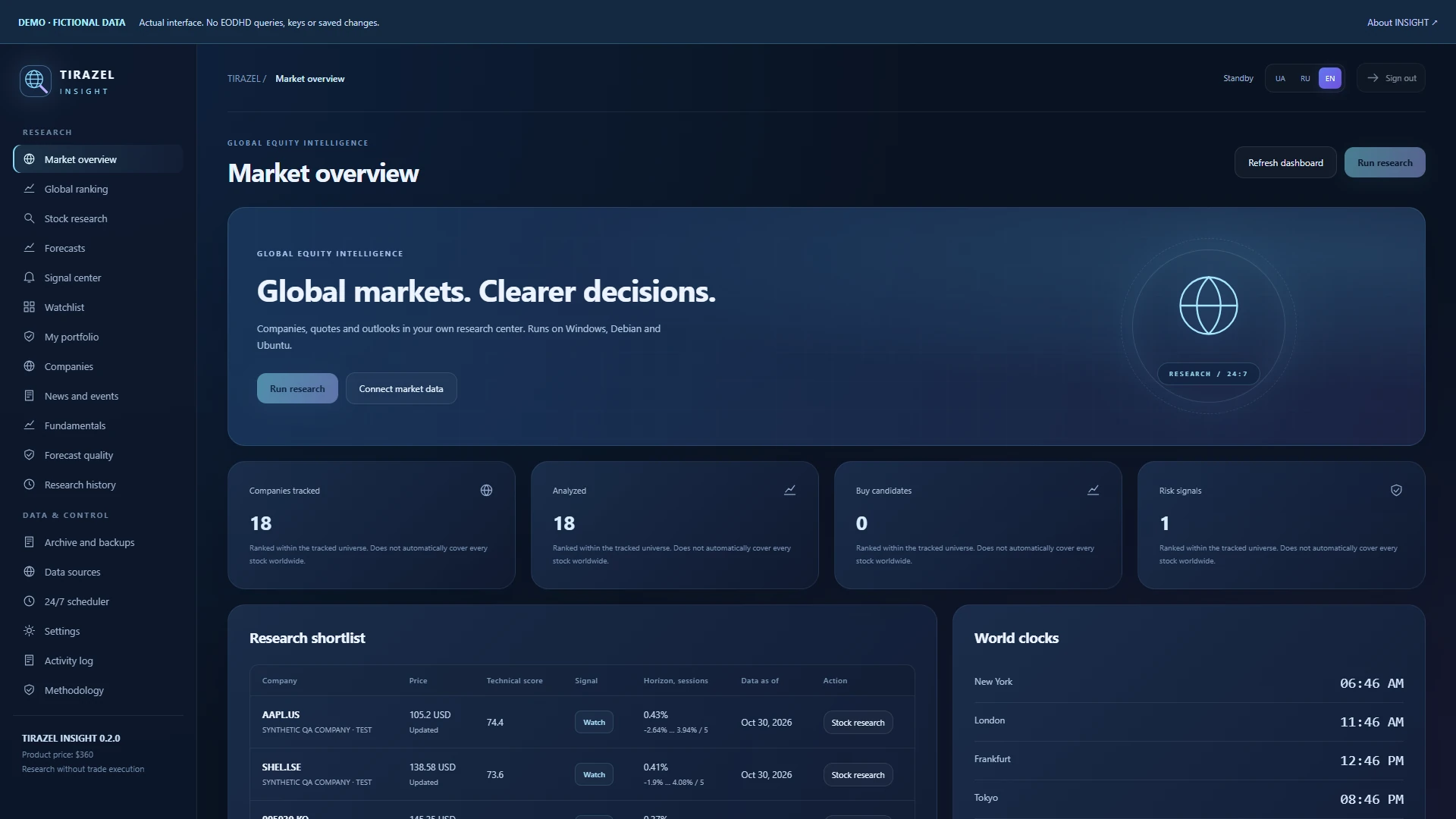
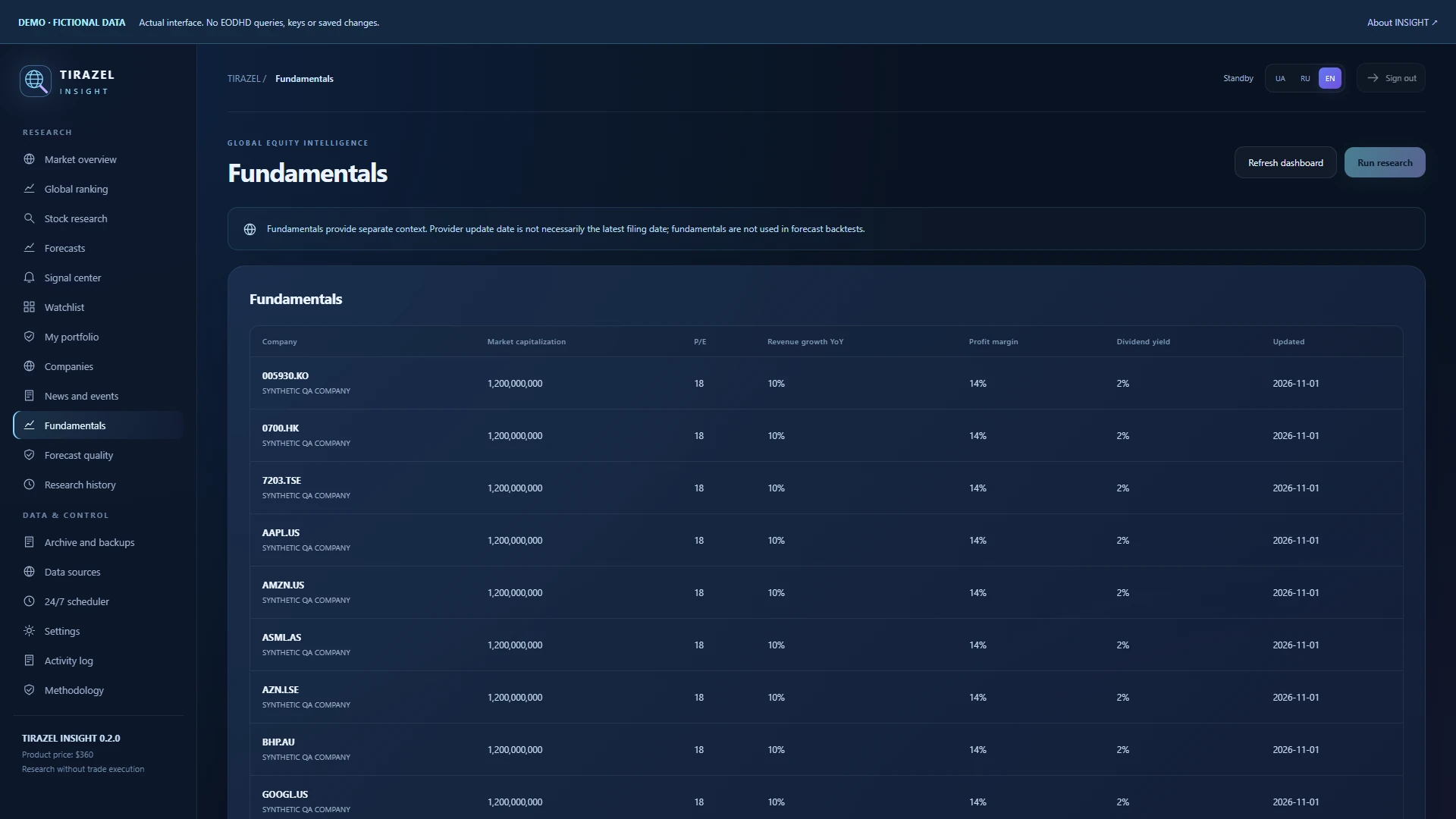
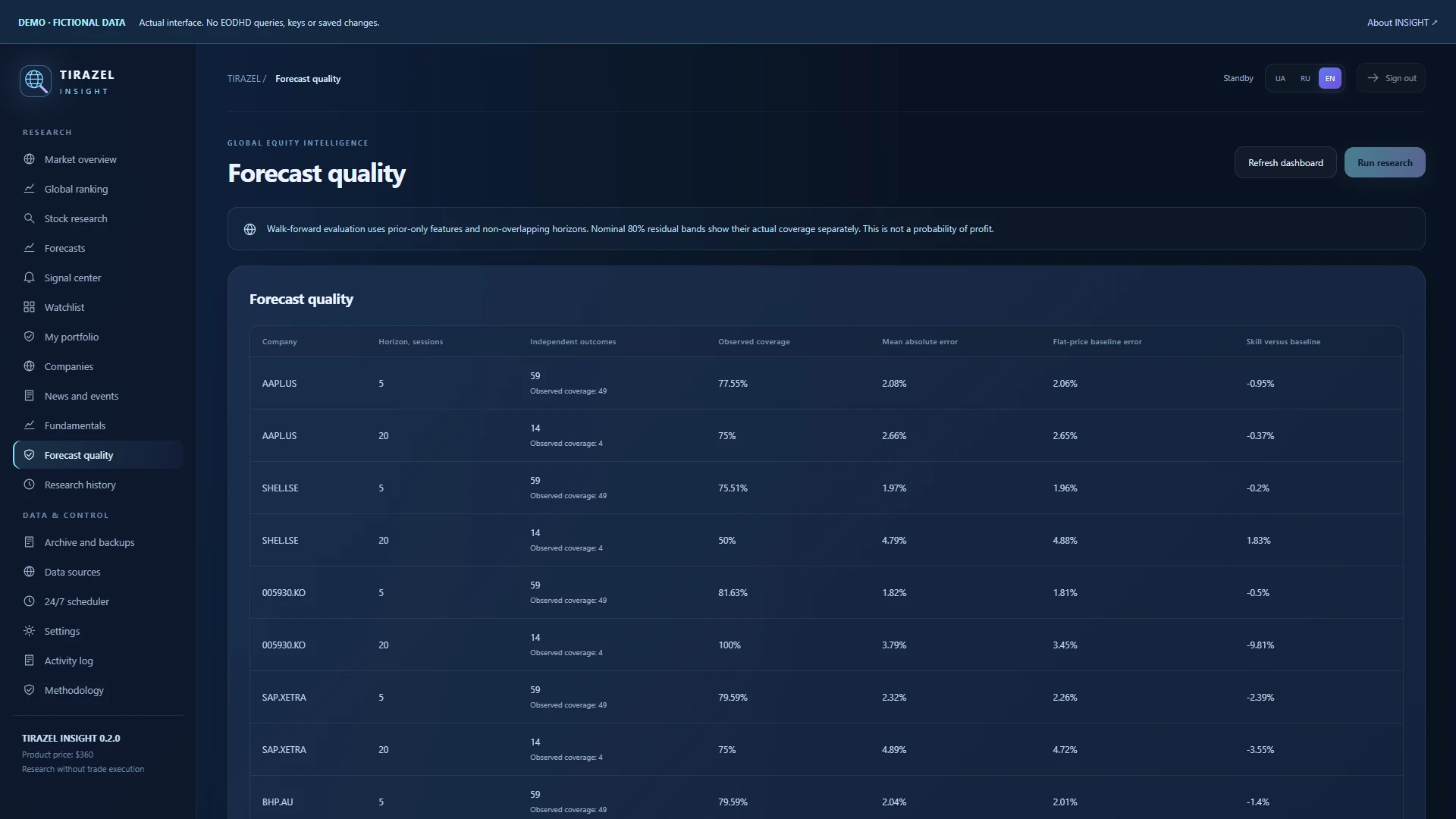
18 sections, from market overview and rankings to financial statements, forecast history and backups. Ukrainian, Russian and English.
 TIRAZEL AISOFTWARE STUDIO
GLOBAL STOCK RESEARCH · PERMANENT MEMORY
● Research release 0.2.0
Your stock research workspace for Windows, Debian and Ubuntu: company data, 5- and 20-session scenarios, signals and a permanent research archive. One glass dashboard, available in three languages.
$360 · TIRAZEL INSIGHT

18 sections, from market overview and rankings to financial statements, forecast history and backups. Ukrainian, Russian and English.
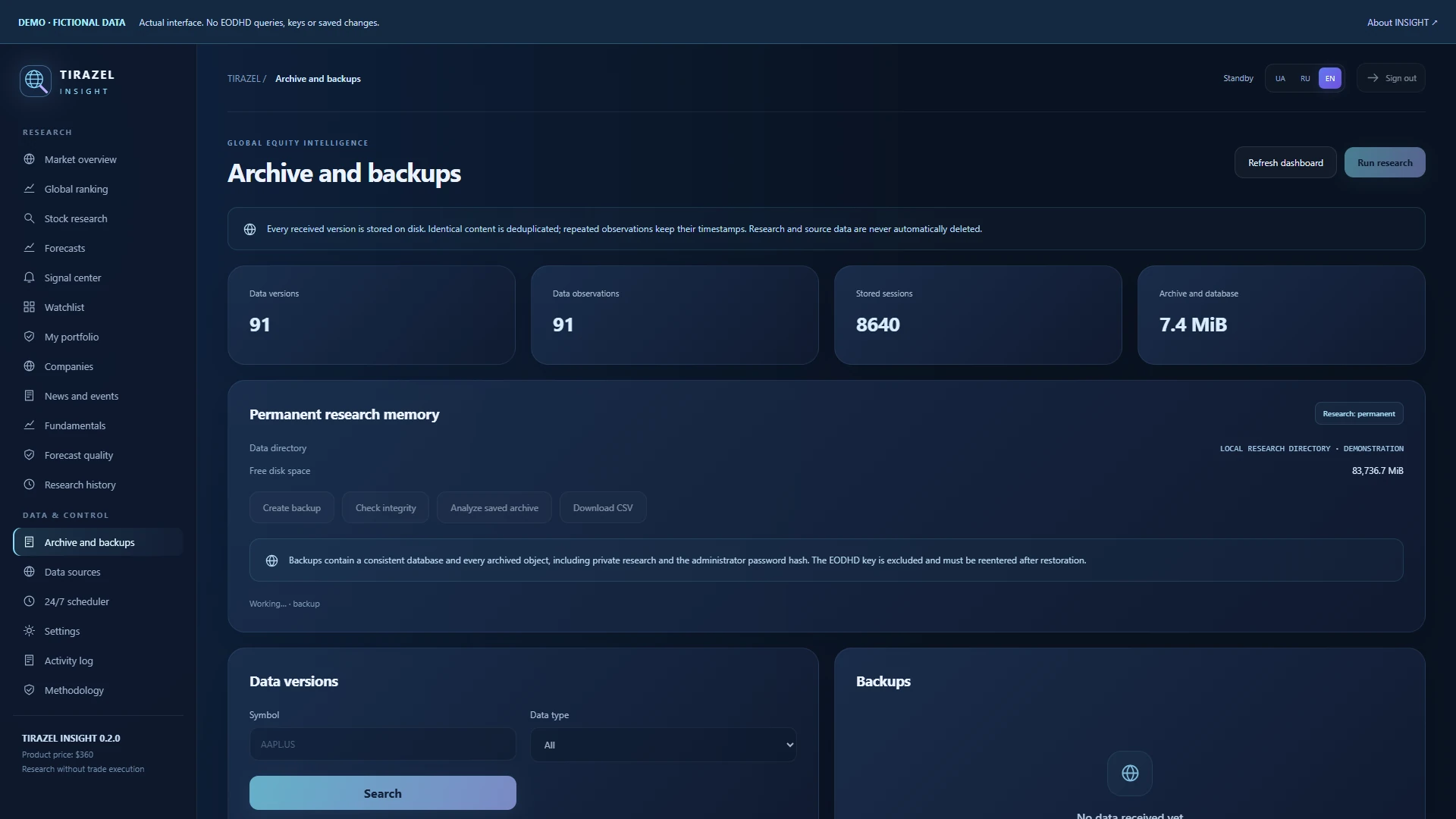
Received JSON responses, prices and exact forecast inputs stay on your disk. Compare earlier and current versions.
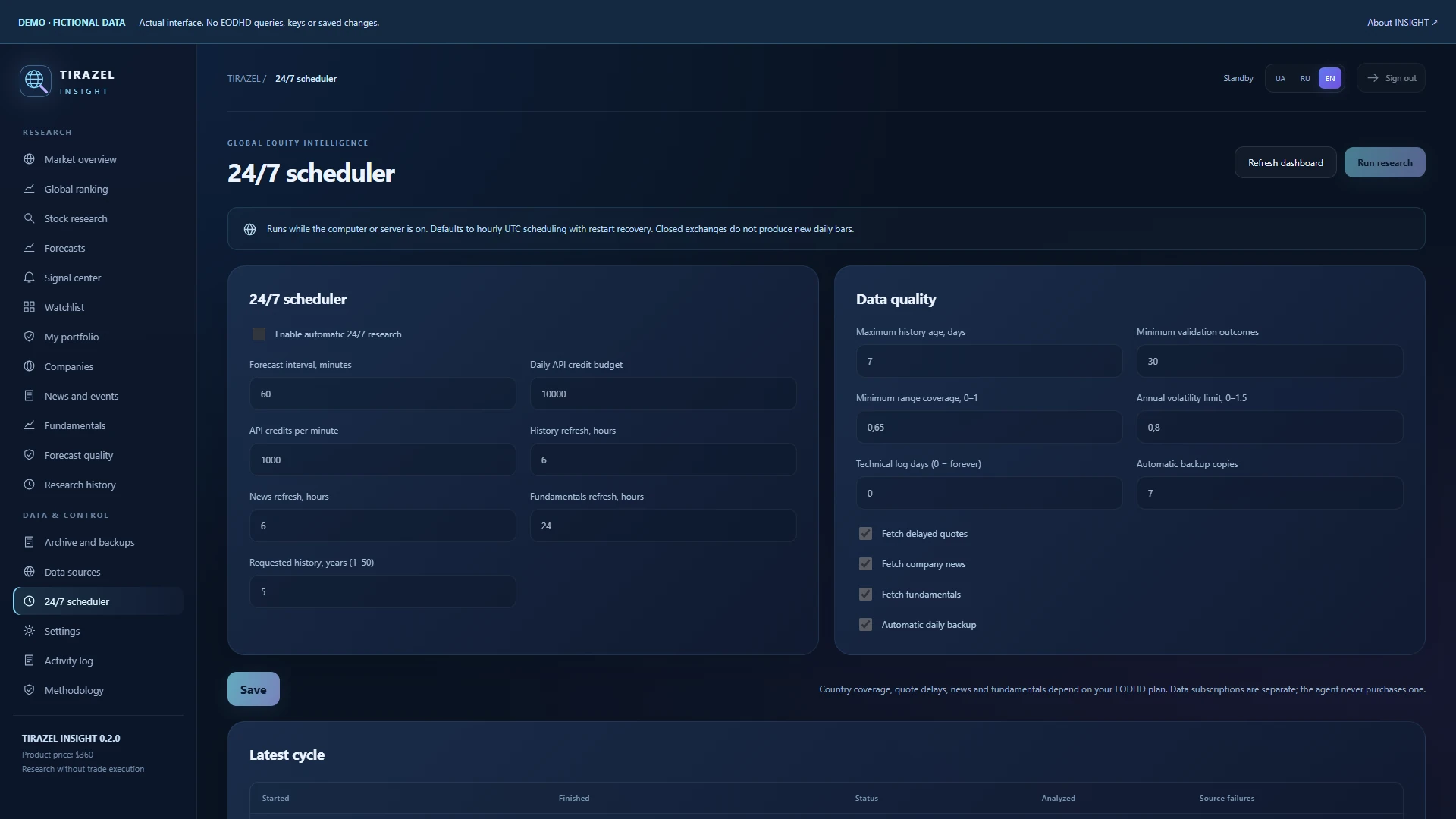
Hourly or less frequent calculations, API budgets and freshness checks. Run analysis of your saved archive without a network connection.
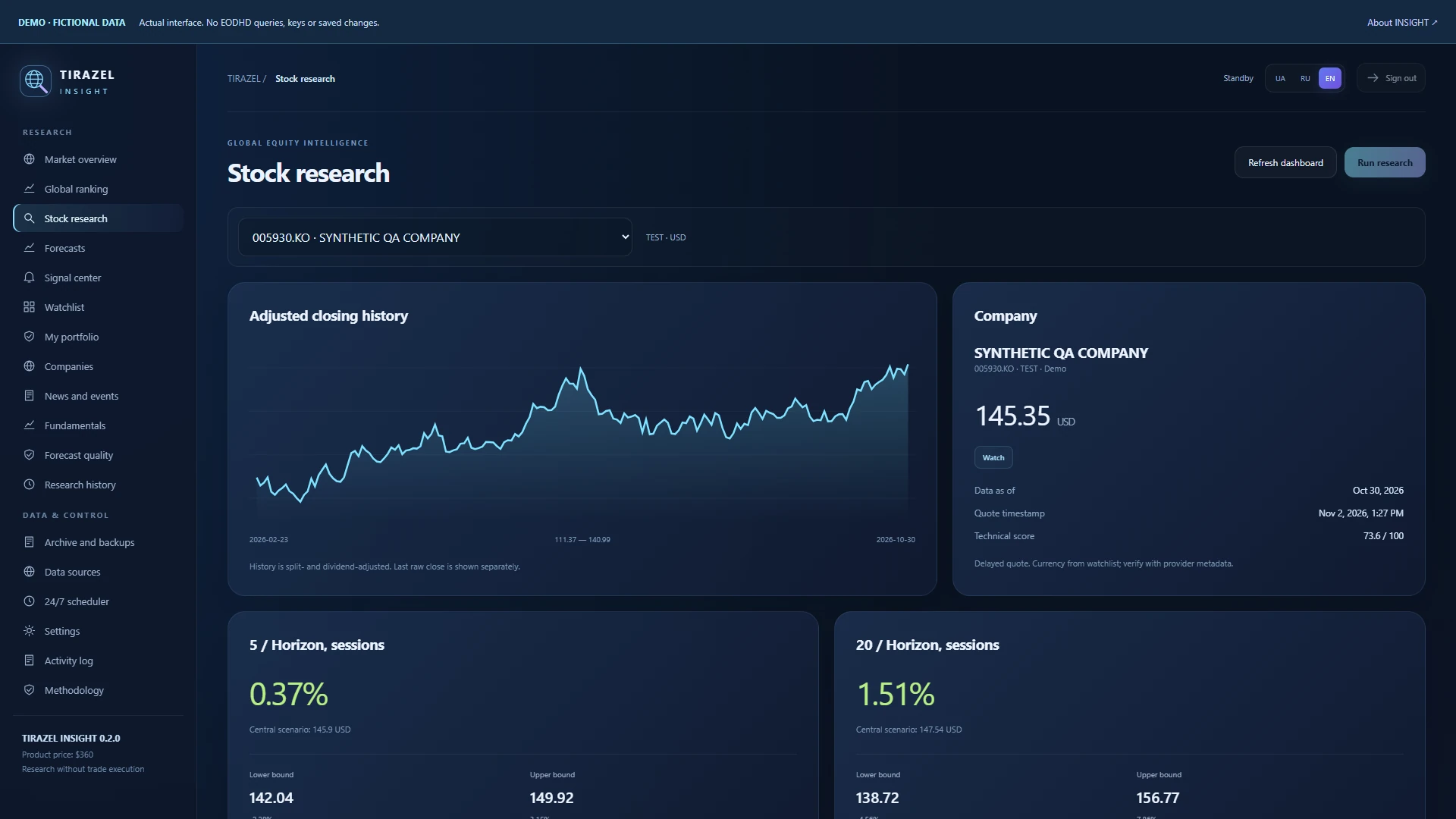
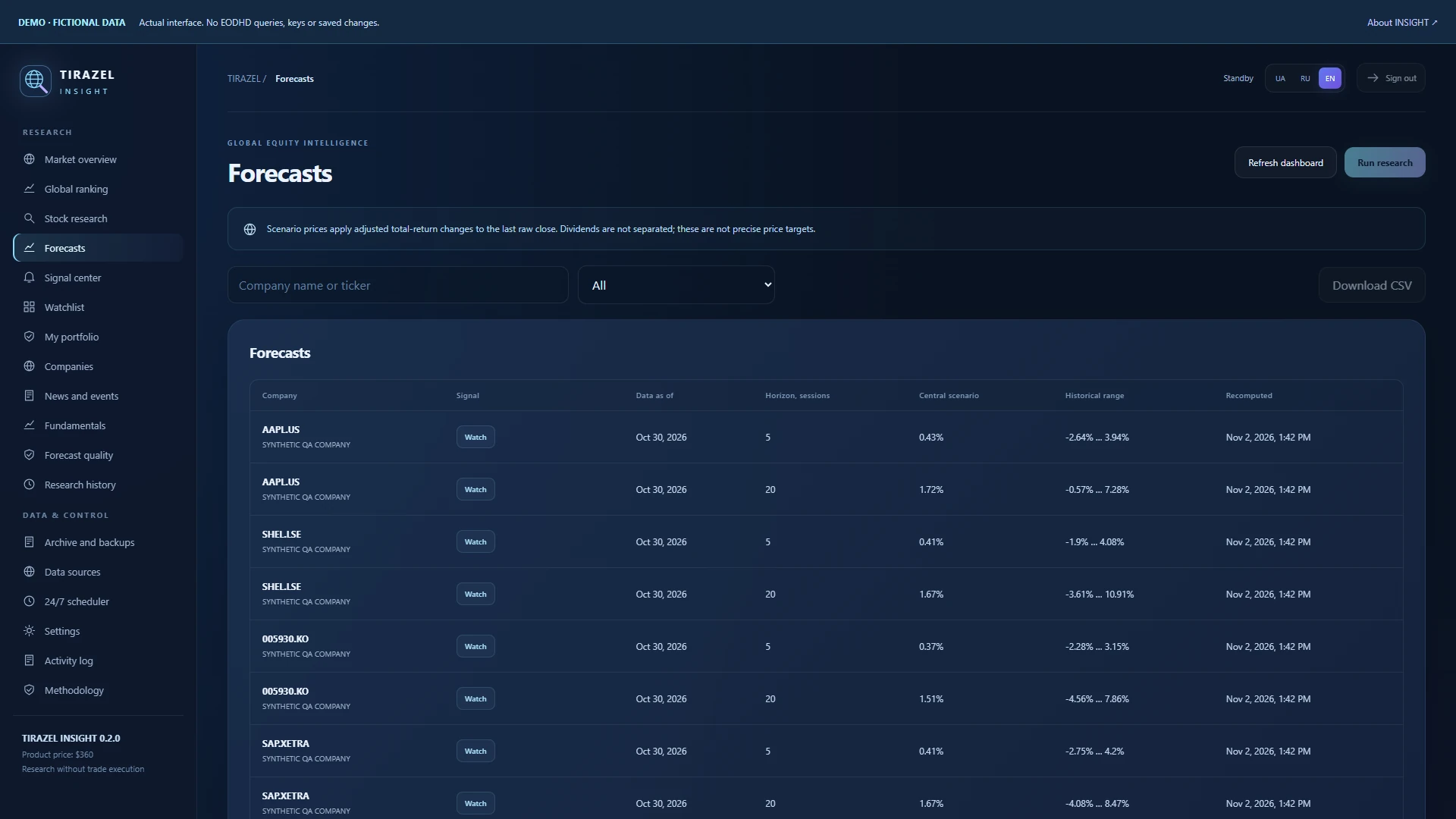
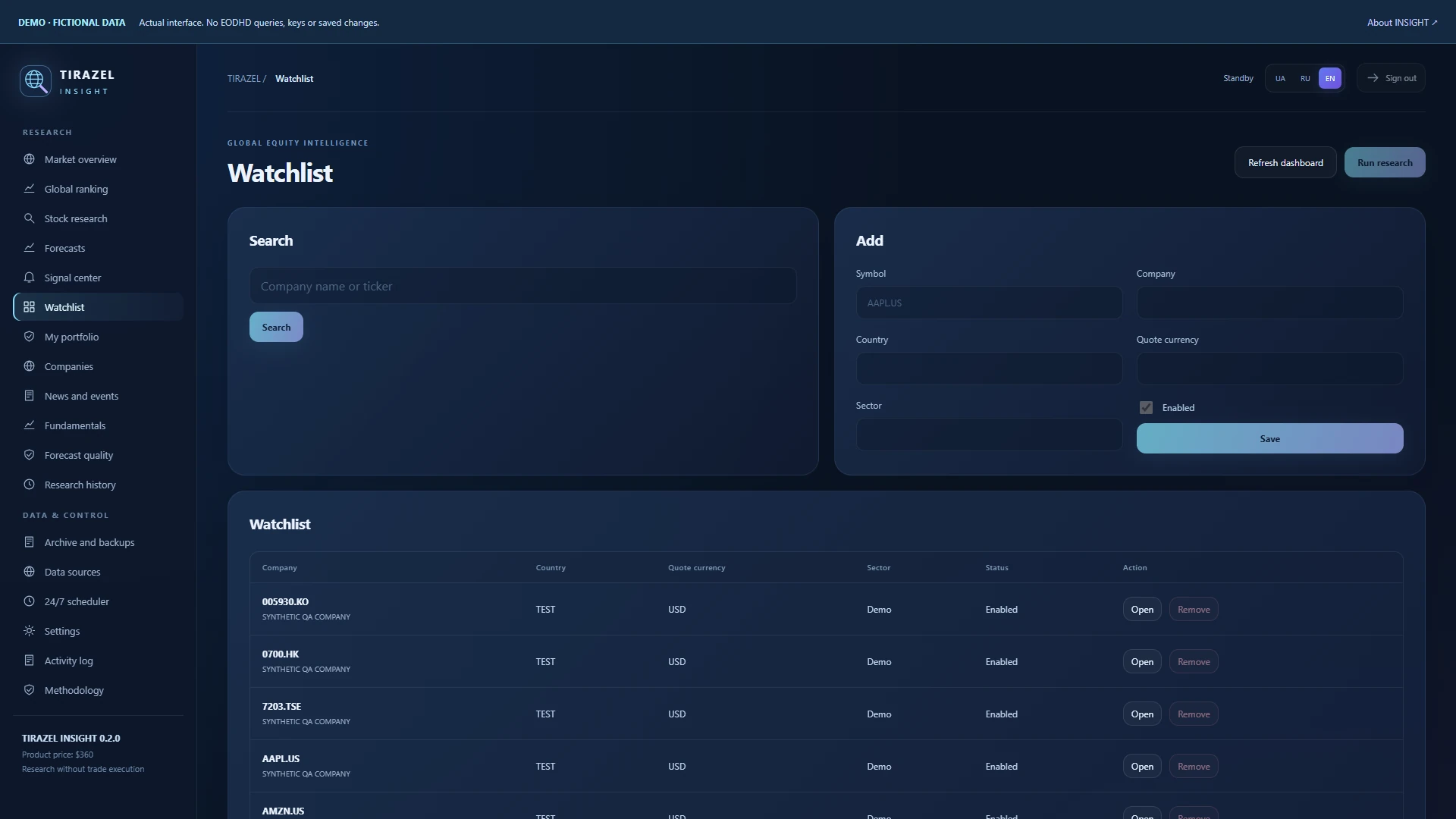
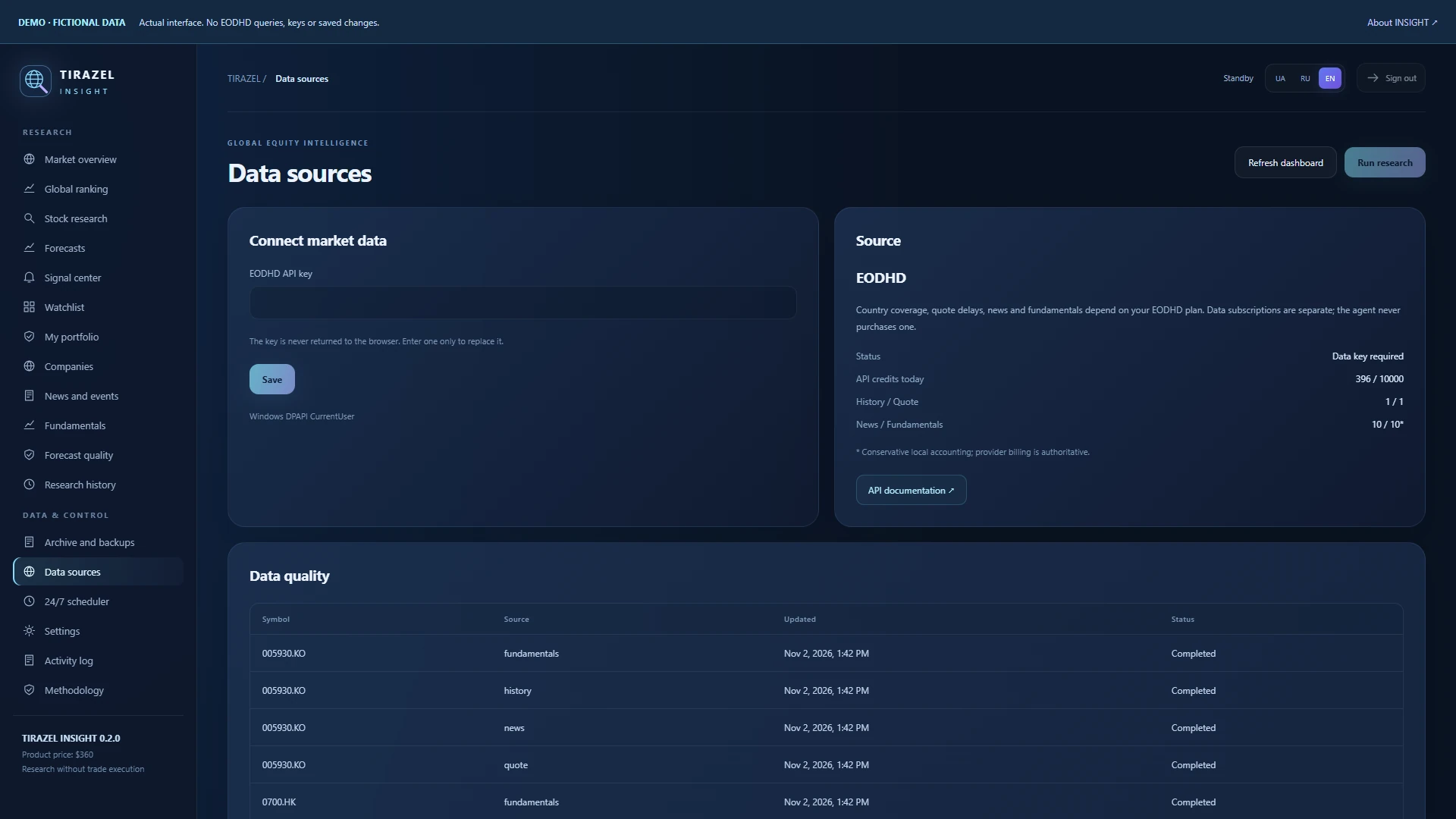
Silent tour of the actual 0.2.0 interface, an illustrative cover and explicitly fictional test data. This is not an investment performance report.
Actual application screens using synthetic data. Open an image to inspect the details.
INSIGHT researches stocks and does not submit brokerage orders. Its algorithmic model does not require an LLM. A forecast is an uncertain scenario, not a promise of growth, advice for every investor or verified profit. Freshness, history and access to news and fundamentals depend on your EODHD entitlement.
EODHD · API documentation ↗EODHD · plans ↗SQLite and immutable compressed JSON objects are stored separately from the application. Updates and uninstallation preserve the profile. The EODHD key uses Windows DPAPI or Linux service permissions and is excluded from backups. The dashboard binds to localhost; remote access uses an SSH tunnel.
Windows 10/11 x64 or Debian/Ubuntu x64. Windows includes Python; Linux needs Python 3.10+. Fresh data require internet access and your own EODHD key. The provider subscription is separate from the $360 software price. The free plan has a small allowance; broad global monitoring requires suitable access. Keep the computer or server running.
116 automated tests on Windows and Debian 13 and the same suite in Ubuntu 22.04/24.04 userlands; 67 browser and 13 installer checks. Official AAPL.US demo: 1,254 sessions, archiving, replay, offline analysis and backup restoration. Clean Linux VM/systemd installation and a paid worldwide plan have not been accepted separately. The Windows installer is unsigned.
Profitability and future forecast accuracy have not been established. These checks performed no financial transactions.
INSIGHT gathers data, builds research scenarios and keeps their history. MARKETS is a separate project for interacting with IBKR. INSIGHT does not buy or sell stocks.
Yes, for fresh data. Enter it in Data sources and choose your provider plan and limits. Your accumulated archive remains available without a key.
After you enable scheduling, while the application and computer are running. You can change frequency and budgets. Forecast horizons are 5 and 20 sessions.
Windows: %LOCALAPPDATA%/Tirazel/Insight. Linux: /var/lib/tirazel-insight. The panel displays the exact directory, storage size and backups. Research is not automatically deleted.
No. This version uses a transparent statistical model. Accumulating and evaluating history does not mean a neural network is training itself.