19 sections in one workspace
Devices, drivers, applications, resources, security, maintenance, automation and backups. Ukrainian by default, with complete Russian and English interfaces.
 TIRAZEL AISOFTWARE STUDIO
WINDOWS · DRIVERS · APPLICATIONS · MAINTENANCE
● Version 0.1.1 · preview
Your own Windows maintenance workspace in a glass interface: devices, compatible drivers, updates, diagnostics and 96 no-cost applications. A persistent service, an understandable task queue and a record of results — for $40.
$40 · TIRAZEL CARE
Devices, drivers, applications, resources, security, maintenance, automation and backups. Ukrainian by default, with complete Russian and English interfaces.
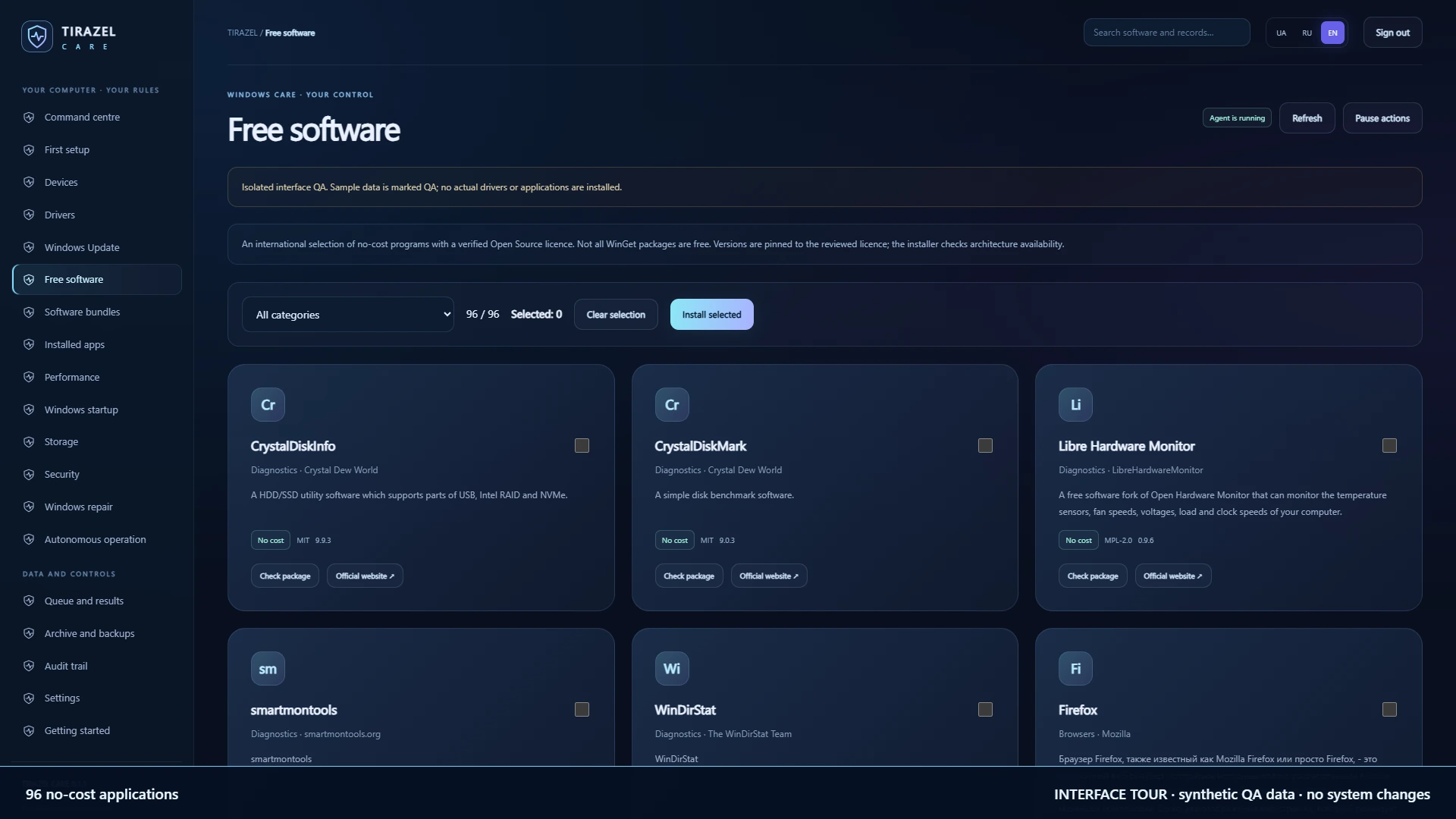
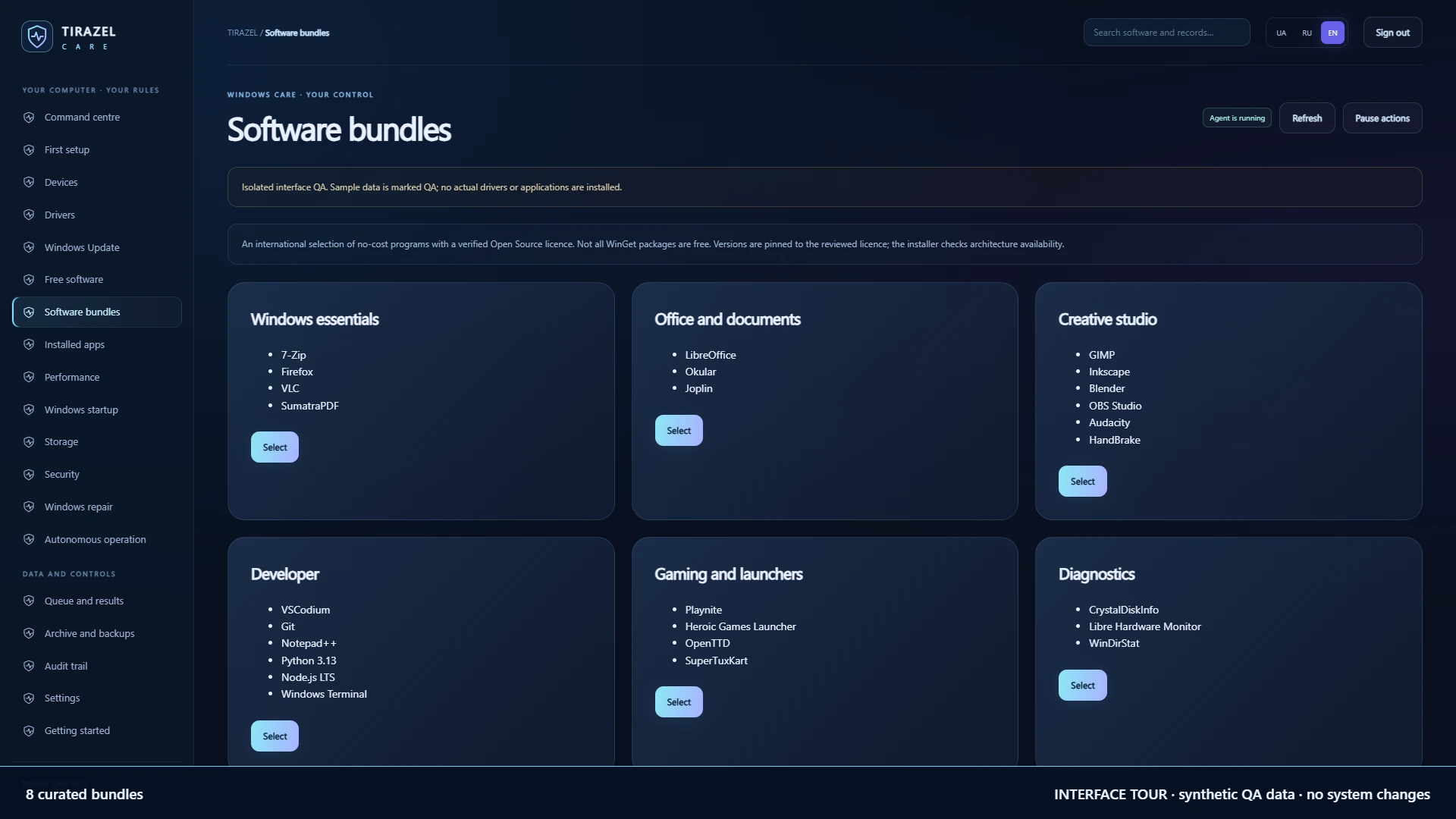
A reviewed no-cost software catalogue, from diagnostics and office tools to creative applications and games. Search, filters, multiple selection and 8 curated bundles.
The service starts with Windows and monitors system state and device arrival. Tasks, results and history remain on disk across restarts.
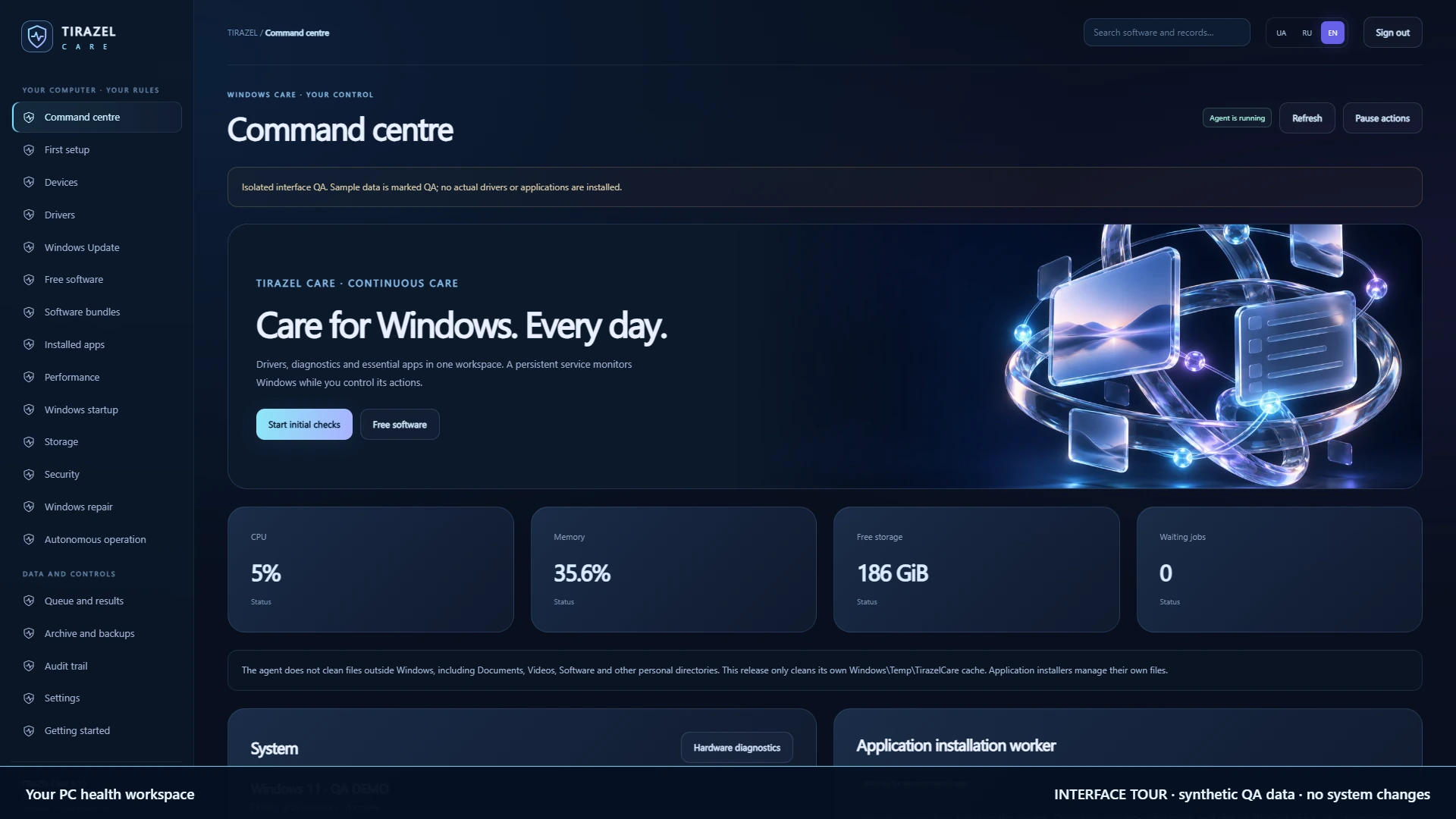
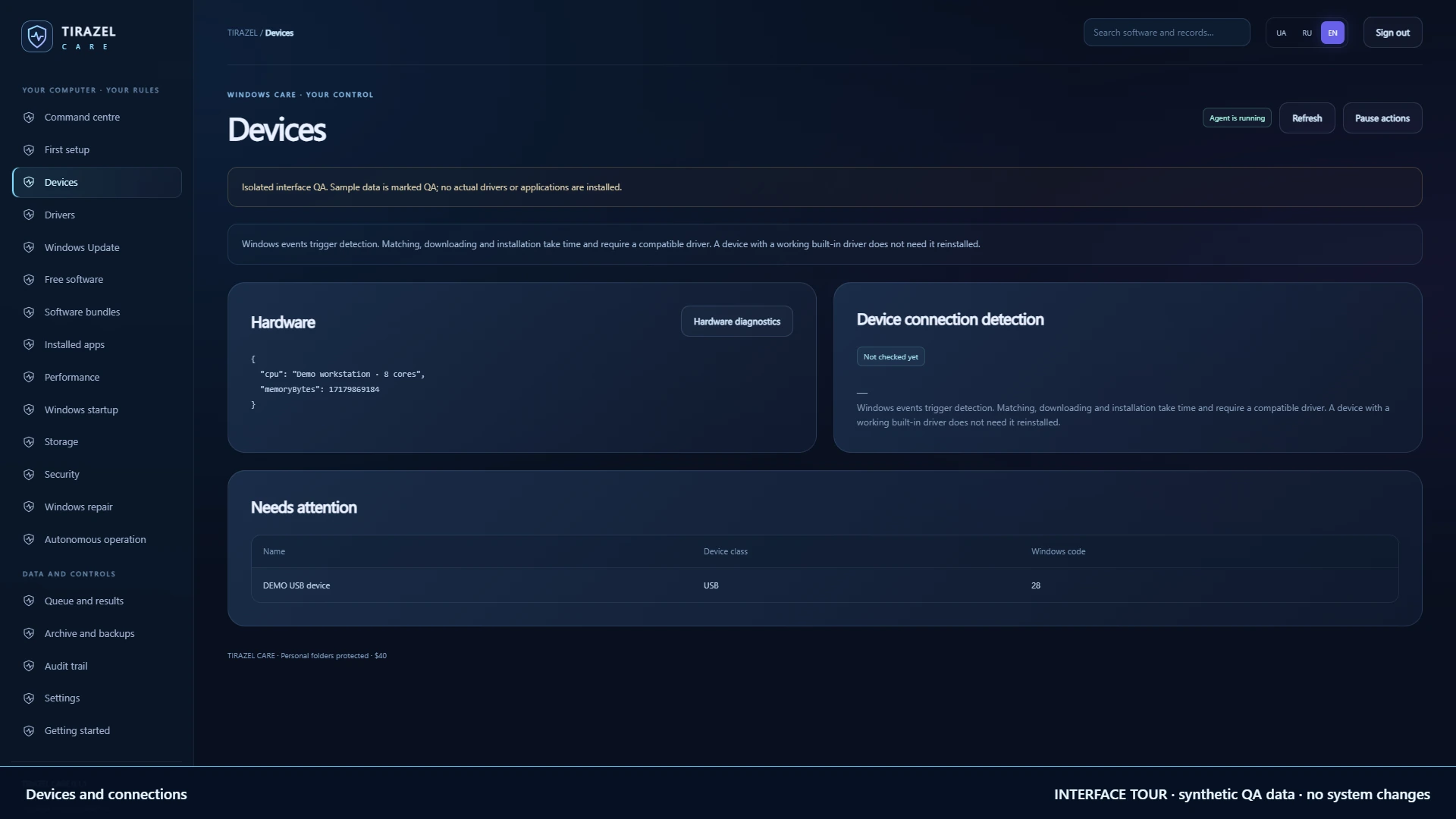
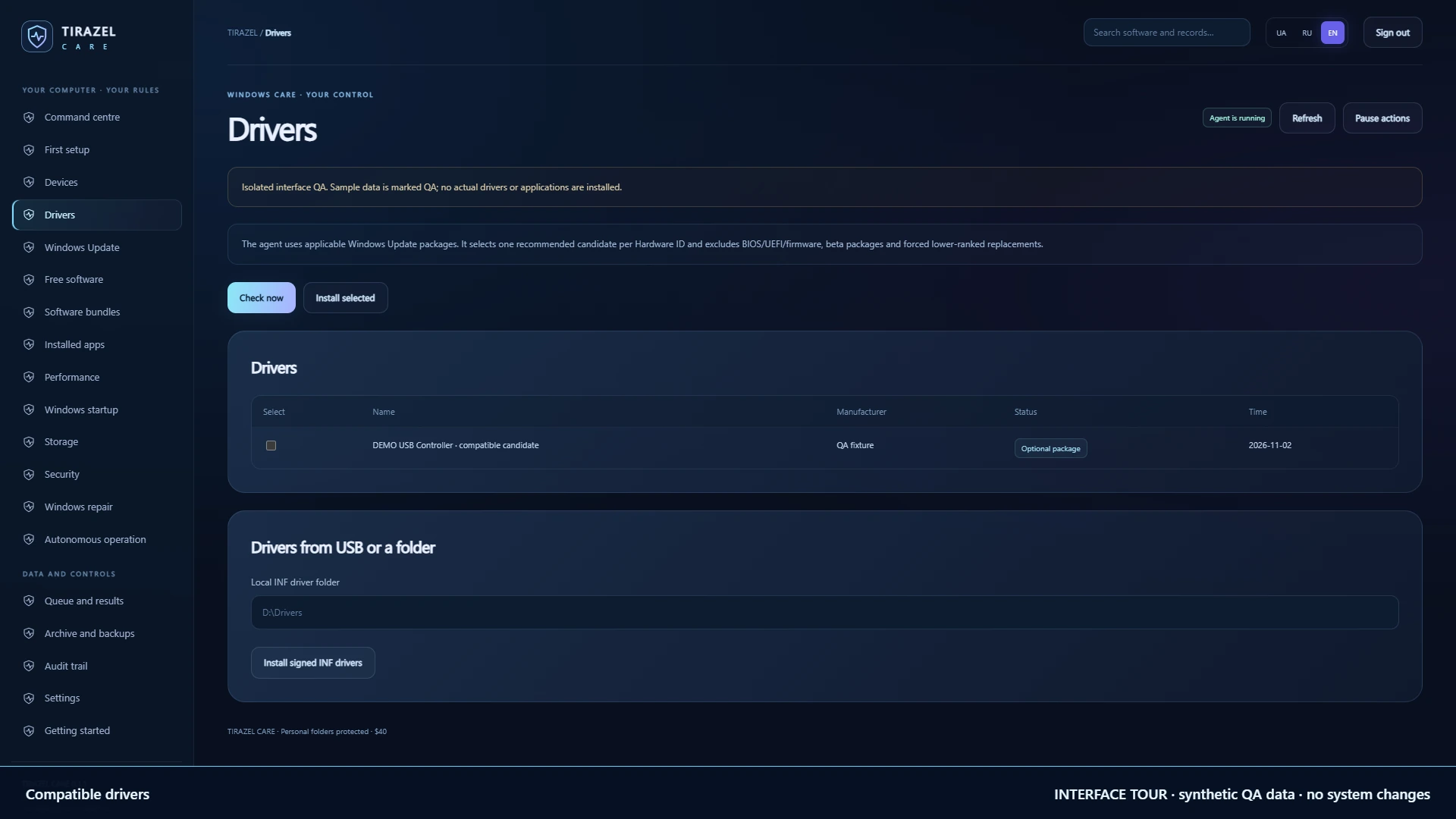
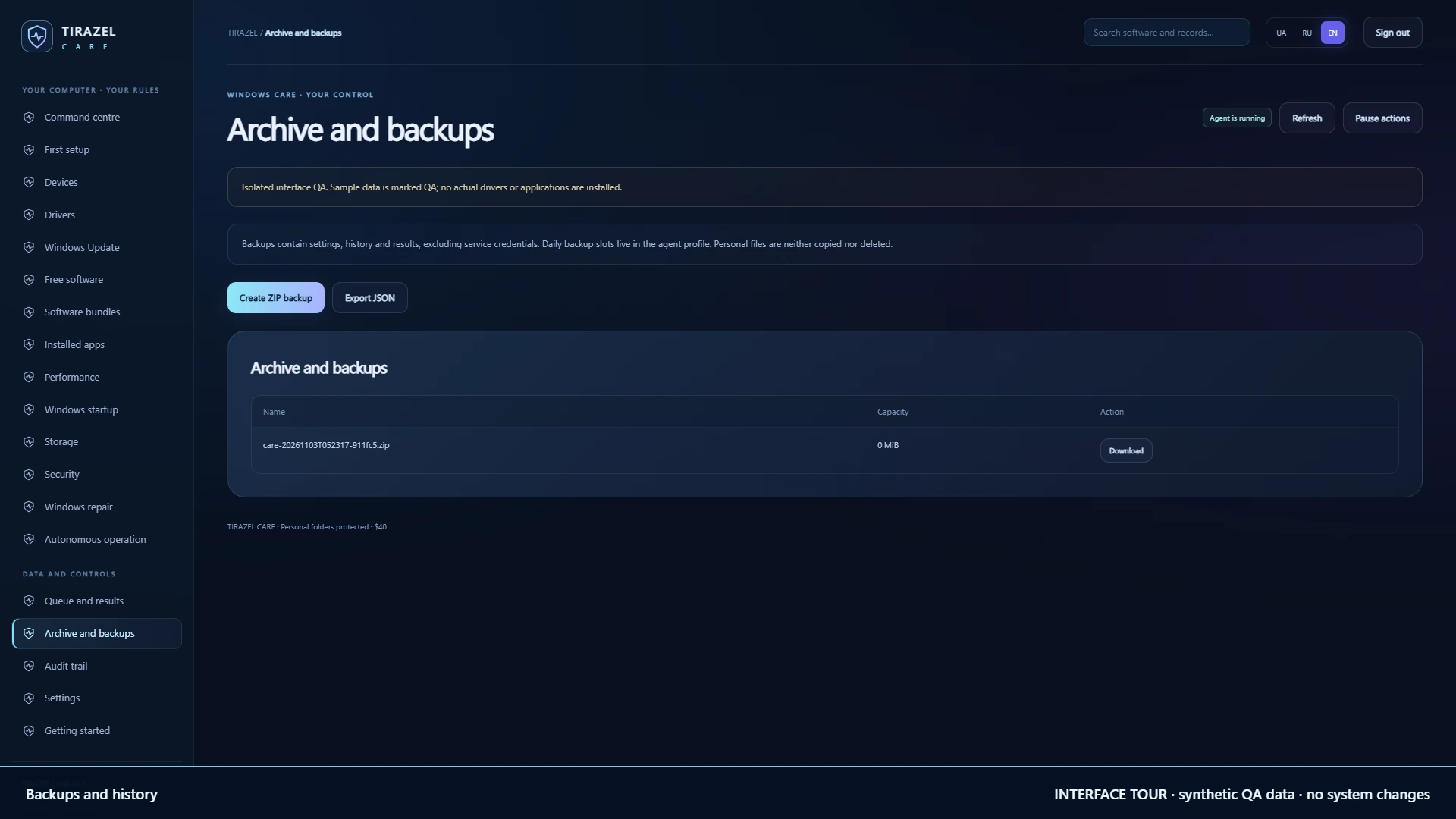
A silent 1080p interface tour. This is a recording of the actual 0.1.1 interface with clearly labelled synthetic QA data; no drivers or applications were installed on the computer. The glass cover is a product illustration, not a performance measurement.
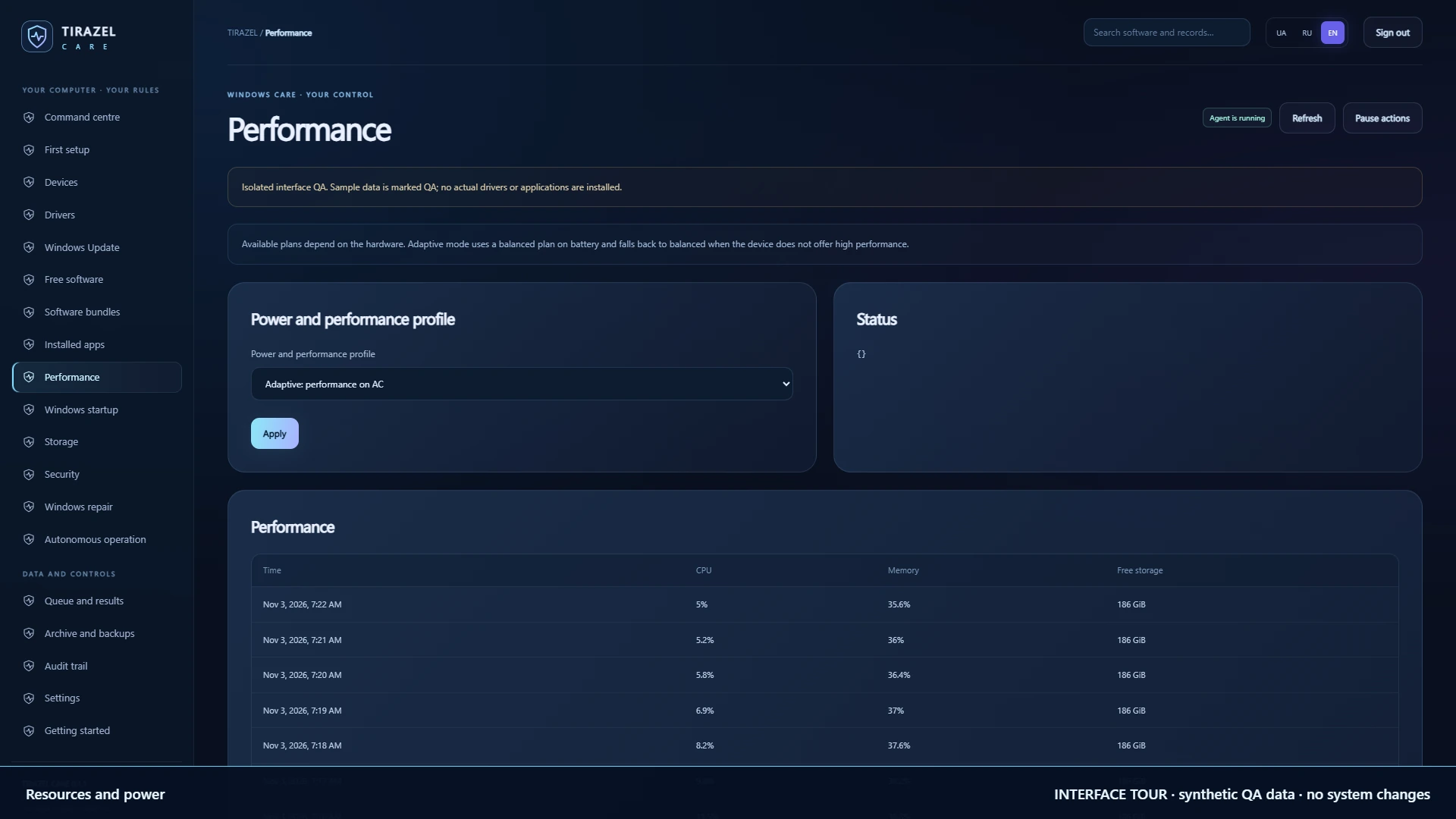
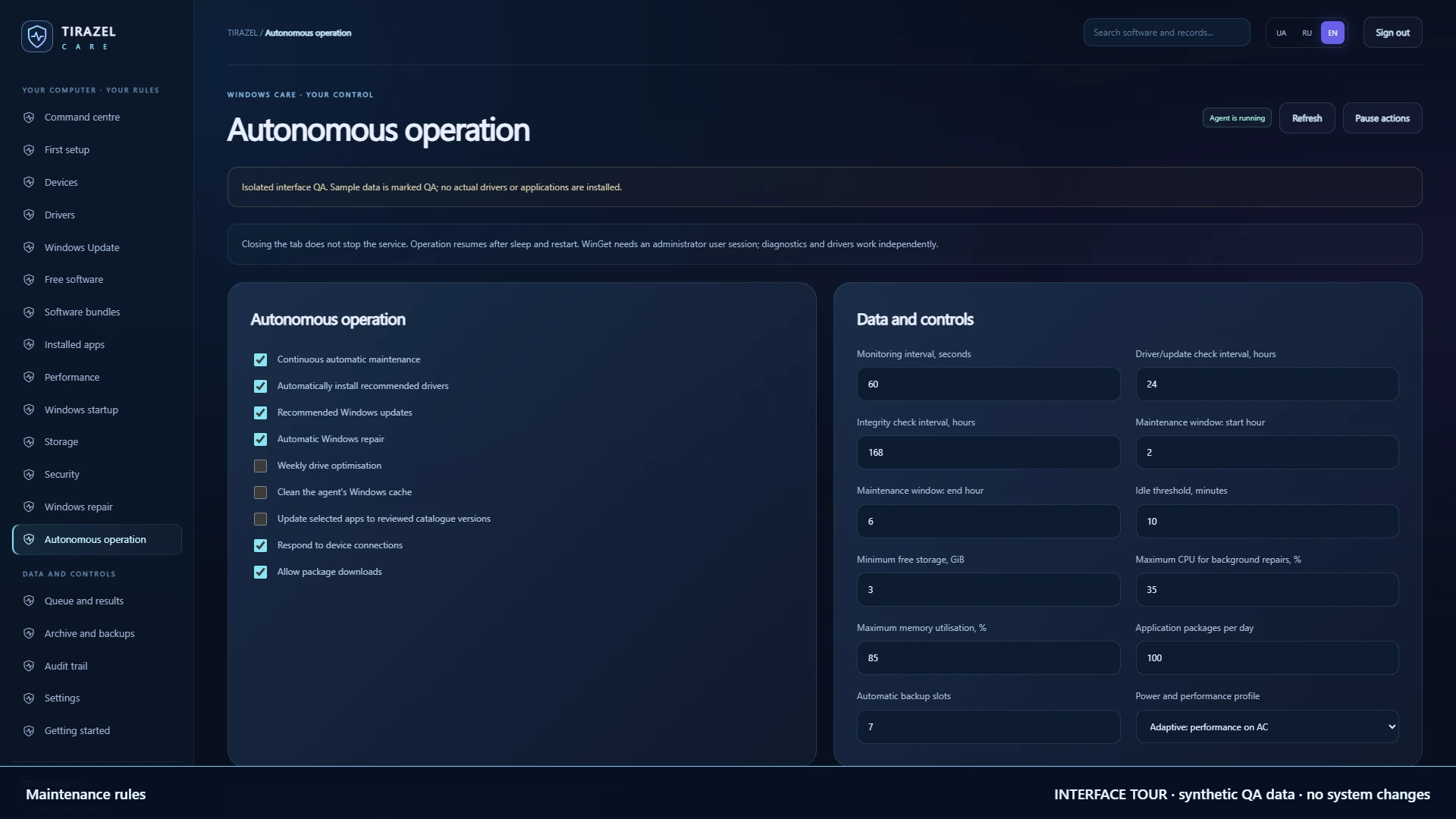
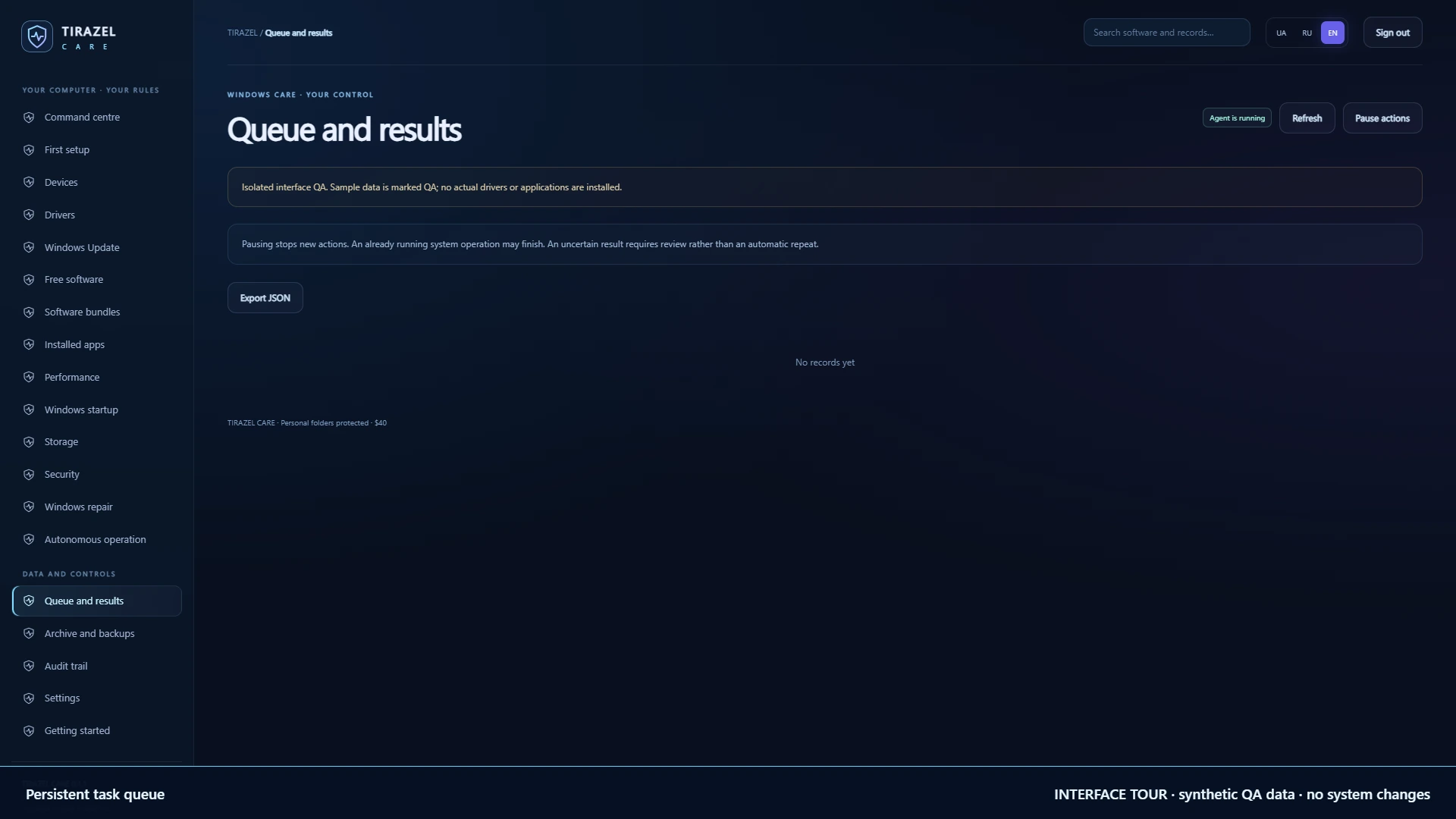
Actual screens with demonstration records. Open an image to read the details. The catalogue and rules belong to the application; the computer metrics in these images are synthetic.
CARE relies on compatibility decisions made by Windows Update and the hardware manufacturer. The newest date does not always identify the best driver; the agent does not force a lower-ranked candidate automatically. The service works while the computer is on; tasks wait during sleep or when a required network connection is unavailable. Driver availability depends on the PC model and Windows support.
General file deletion in Documents, Videos, Software and other personal folders is not provided. Cleanup is limited to old files in the application’s own Windows\Temp\TirazelCare cache; symbolic links and junctions are skipped. Ordinary installers maintain their own application files. The agent exposes no arbitrary shell command interface and does not reboot the PC automatically.
Windows 10 1809+ or Windows 11. Setup includes the runtime and creates an automatically started service. Administrator rights, Internet access for downloads and Windows/OEM hardware support are required. The package includes x86, x64 and ARM64 runtimes; ARM64 requires .NET 4.8.1 and has not yet passed physical-device acceptance. The actual host was tested on x64; this is not a promise to support every computer. WinGet application installation requires an active session of the administrator who installed CARE.
45 core, authentication and persistence tests passed on x64 and the same 45 using the x86 runtime on x64 Windows, plus 68 Chrome interface checks. Verification also covered 10 WinGet result codes, 9 system fixtures and availability of all 96 pinned package versions on 3 November 2026. QA installation, upgrade from 0.1.0 to 0.1.1 and uninstall preserving the profile passed. Clean-VM production SCM service and reboot acceptance, actual driver/application installations and ARM64 acceptance remain pending. Setup is currently unsigned.
The goal is transparent, regular maintenance. The application does not guarantee freedom from every fault, maximum speed or compatibility with every device.
Yes. A separate Windows service performs maintenance with automatic startup and recovery. The PC must remain on. The WinGet worker runs in the administrator’s session; application installation waits when that session is unavailable.
No. The agent detects device arrival, checks its state and searches for an available compatible driver. Downloads, installation and hardware support have their own limits. An OEM driver or an owner-initiated reboot may still be necessary.
Yes. There are 20 categories, search, multiple selection and 8 bundles. WinGet installs packages after their terms are accepted. Some applications do not support every architecture, and newer catalogue versions require another review.
No. There is no general personal-folder cleanup. CARE only removes old files in its own Windows\Temp\TirazelCare temporary cache. CARE backups contain its database, not your personal files.
No. This is an agent with defined rules, a queue and execution records. It does not require a third-party language model, a cloud AI key or a text-generation subscription.
The $40 price has been set, but production service acceptance, actual installation checks and licence activation remain pending. Publishing the interface does not complete those checks. Access terms are agreed before payment.