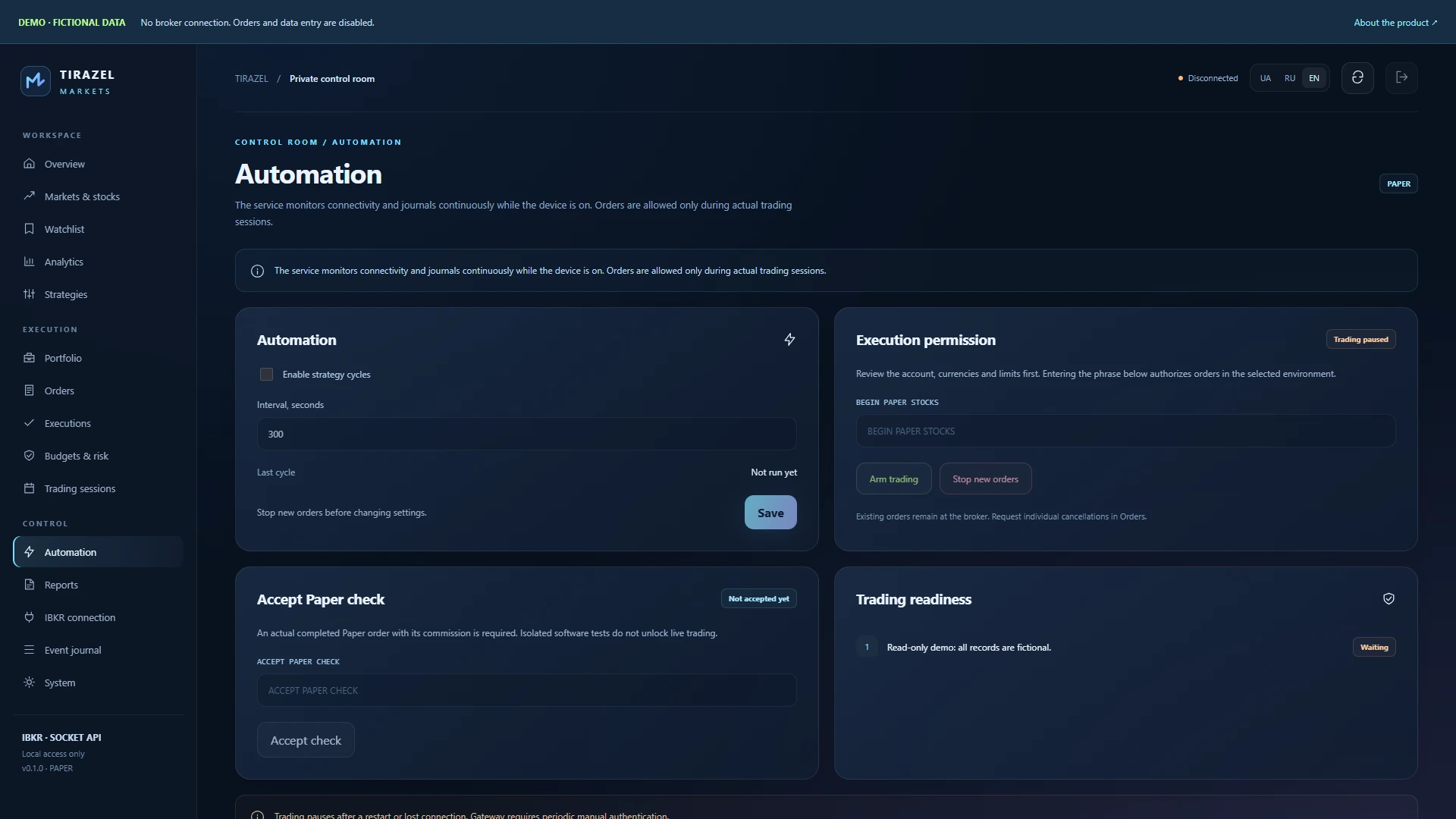
One focused workspace
15 sections cover stock search, indicators, orders, currency budgets, reports and diagnostics.
 TIRAZEL AISOFTWARE STUDIO
Windows / Linux · Equities / Analytics · STUDIO PRODUCT
Stocks, historical charts, algorithmic strategies and currency limits in your own Windows, Debian and Ubuntu workspace. Connect through IB Gateway or TWS.
GLOBAL EQUITIES · ANALYTICS · RISK CONTROL
● Preview release 0.1.0
Stocks, historical charts, algorithmic strategies and currency limits in your own Windows, Debian and Ubuntu workspace. Connect through IB Gateway or TWS.
$100 · Product price

15 sections cover stock search, indicators, orders, currency budgets, reports and diagnostics.
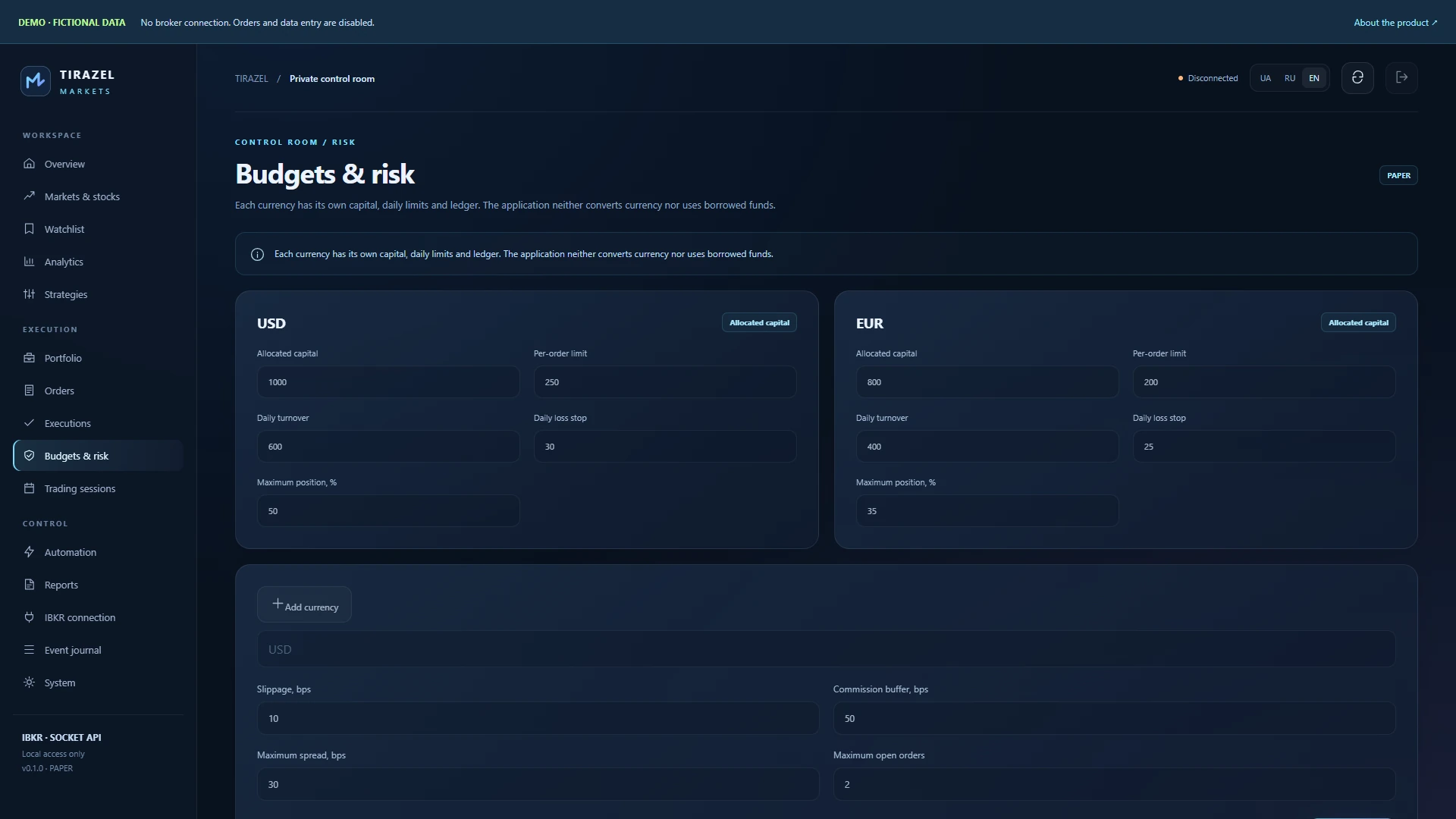
Allocate capital separately for each currency. Check settled cash, order size, position allocation, turnover and daily loss.
A durable record of orders, executions and commissions. After an uncertain response, the agent reconciles instead of submitting again.
A Windows installer with bundled Python or a separate Linux service. Data and your panel password remain in your installation.
A one-minute tour of actual screens with English titles, without audio. All financial records are fictional; no actual orders were submitted.
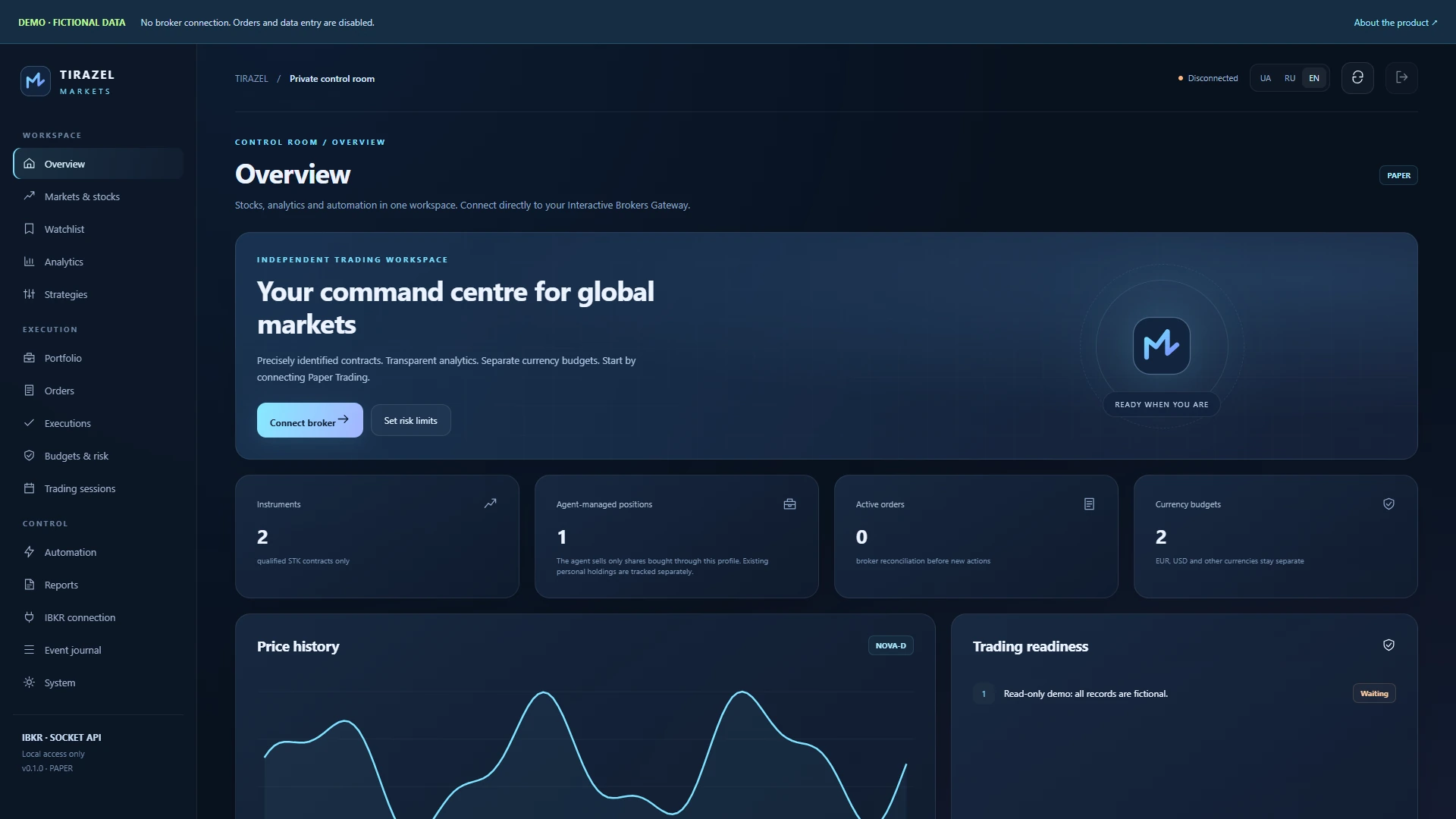
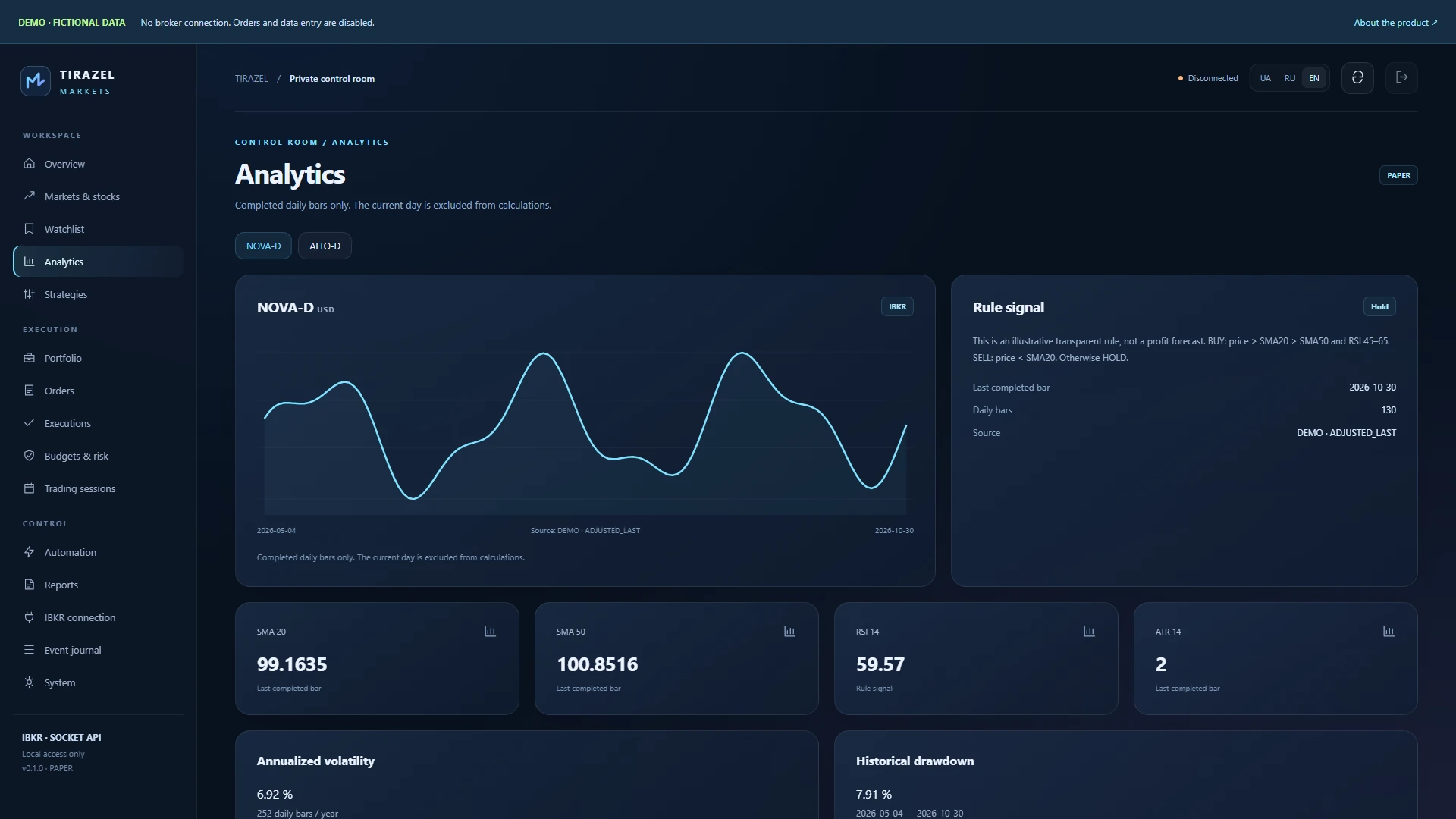
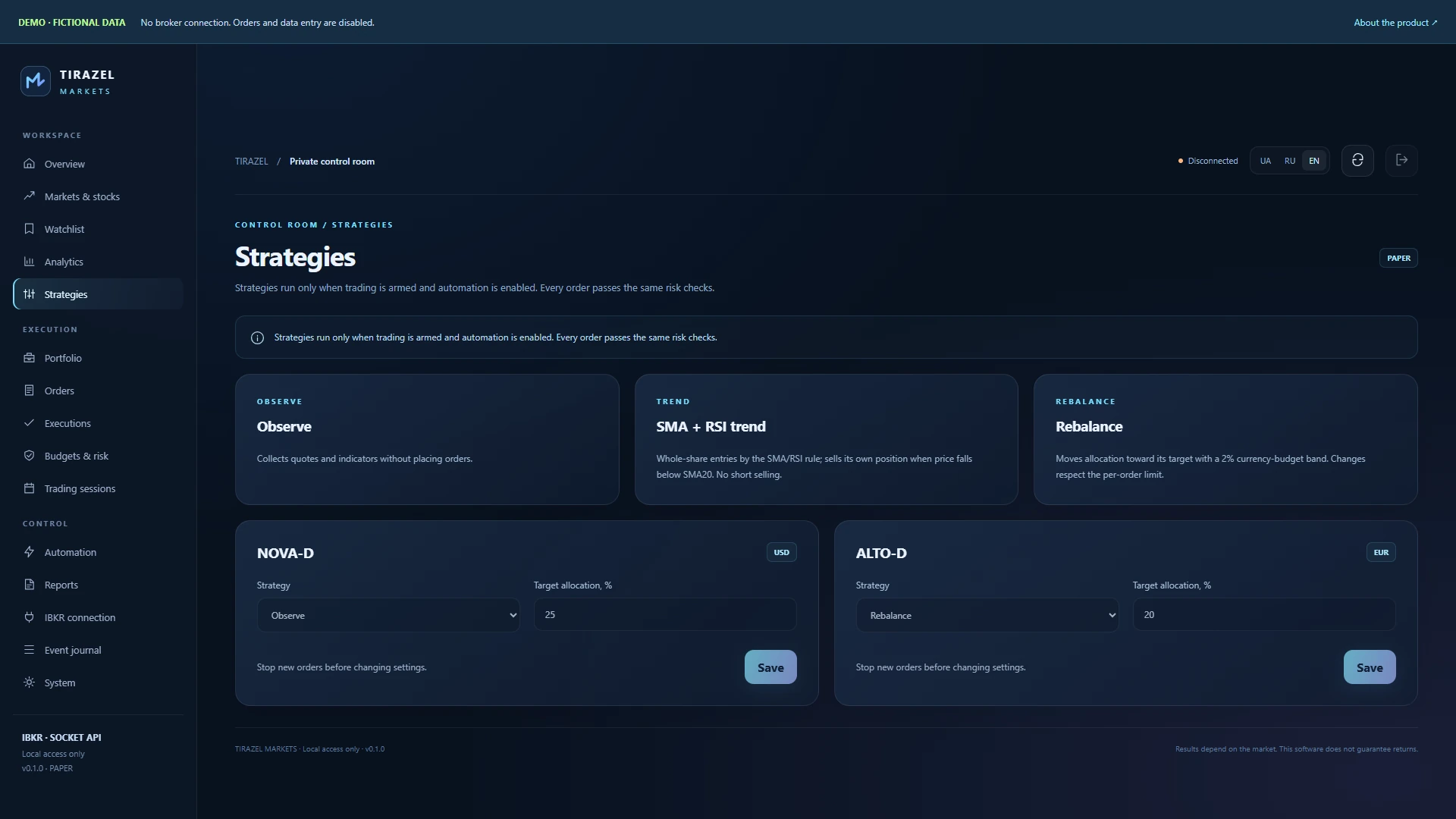
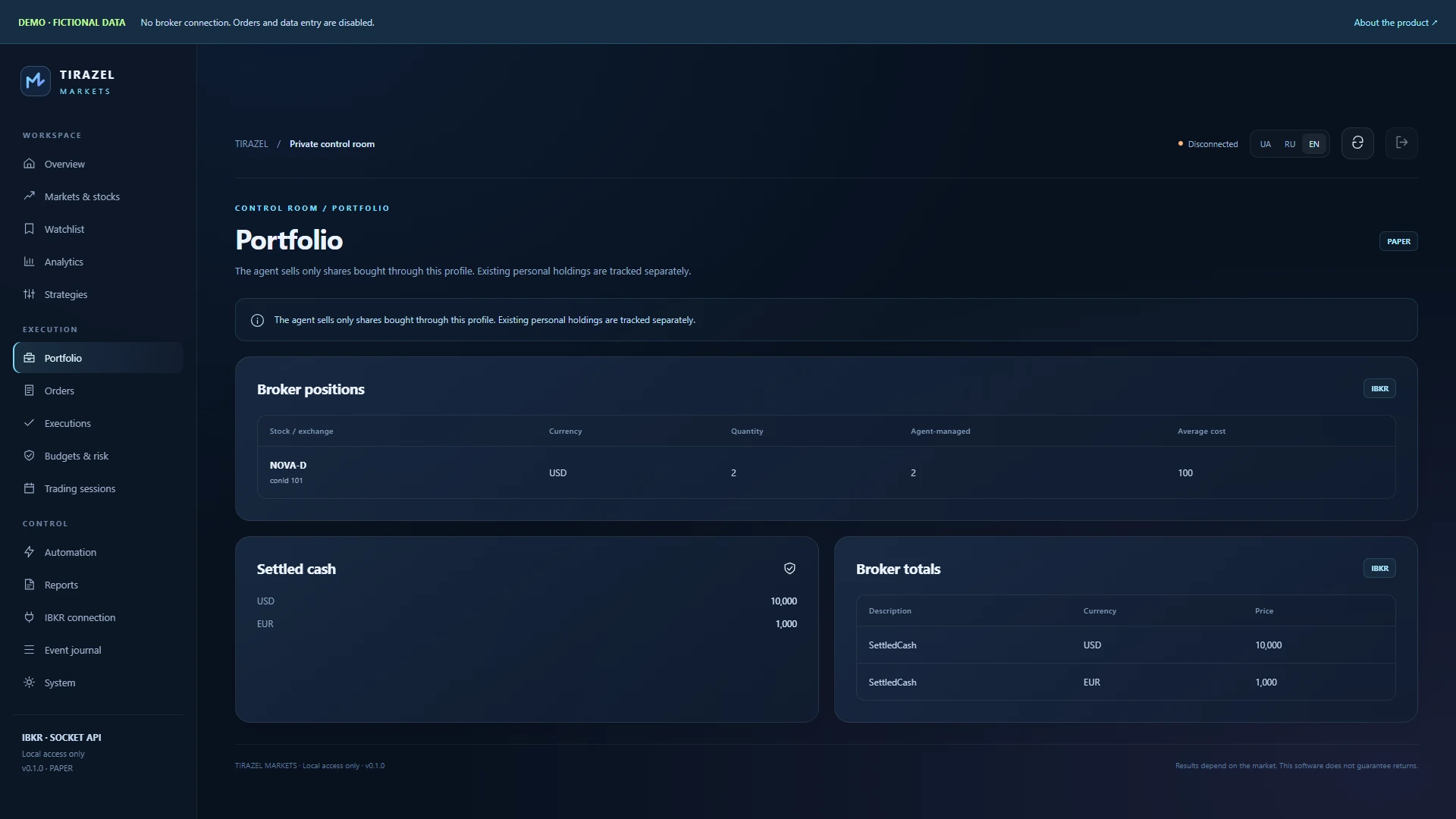
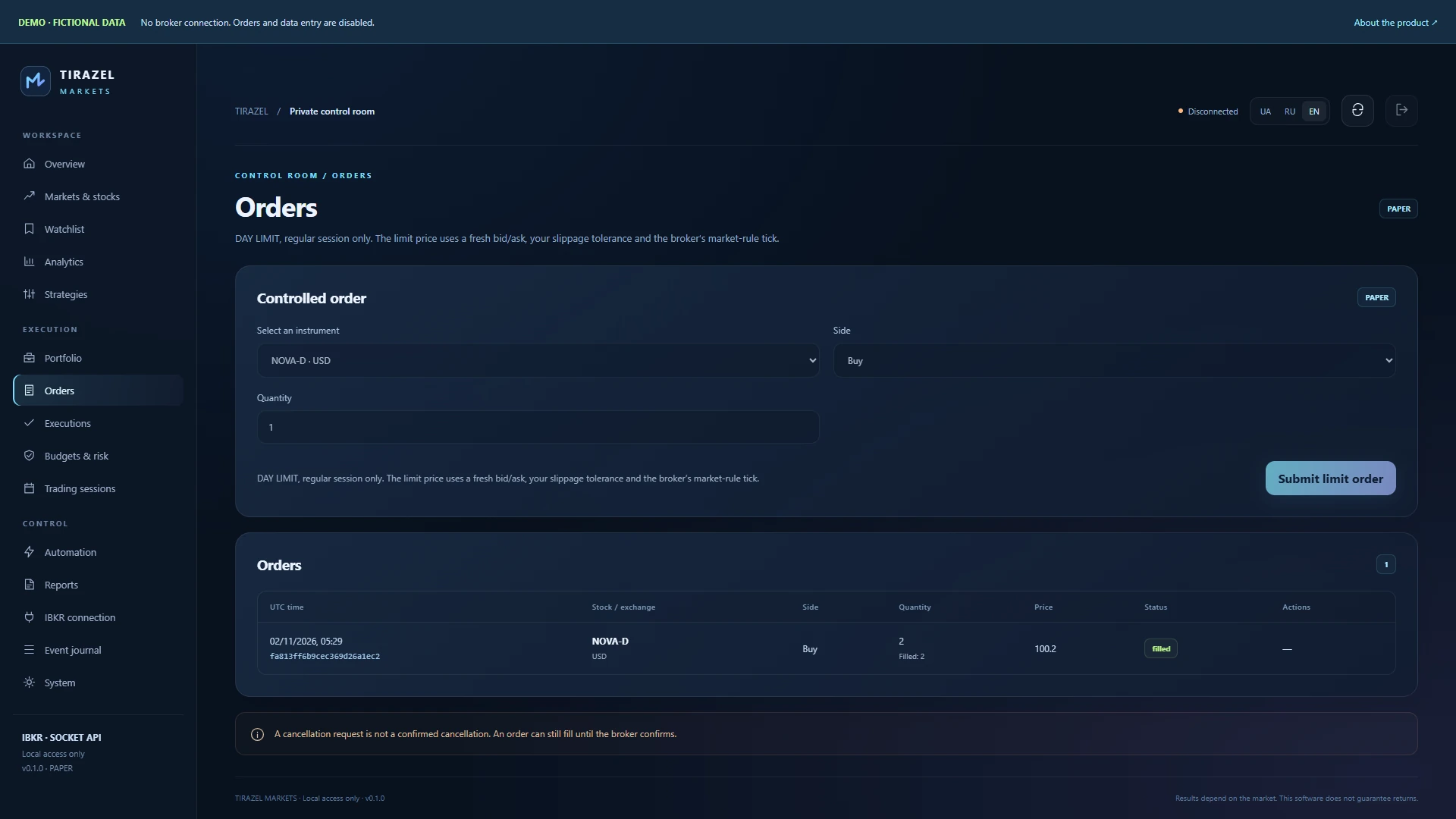
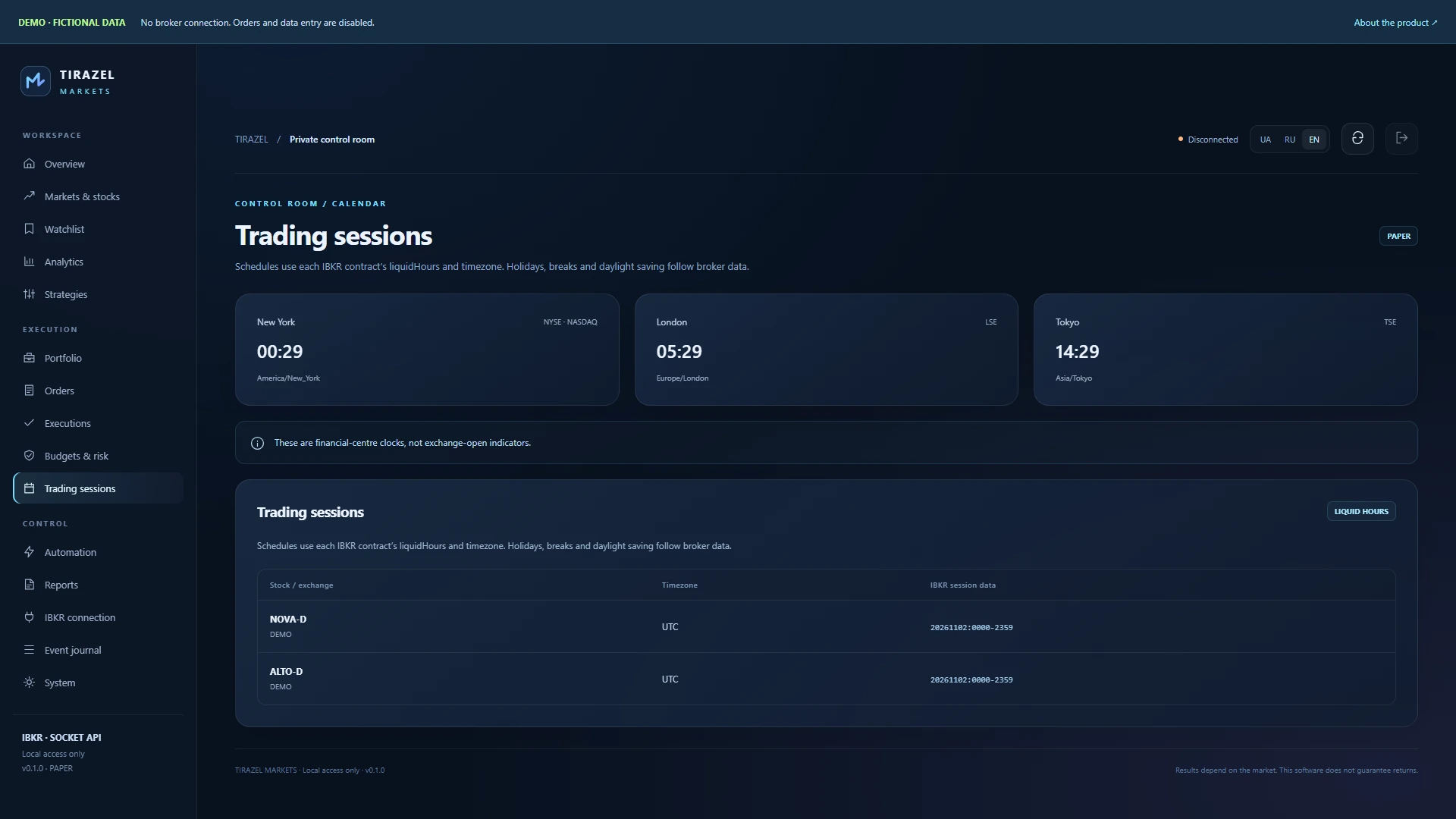
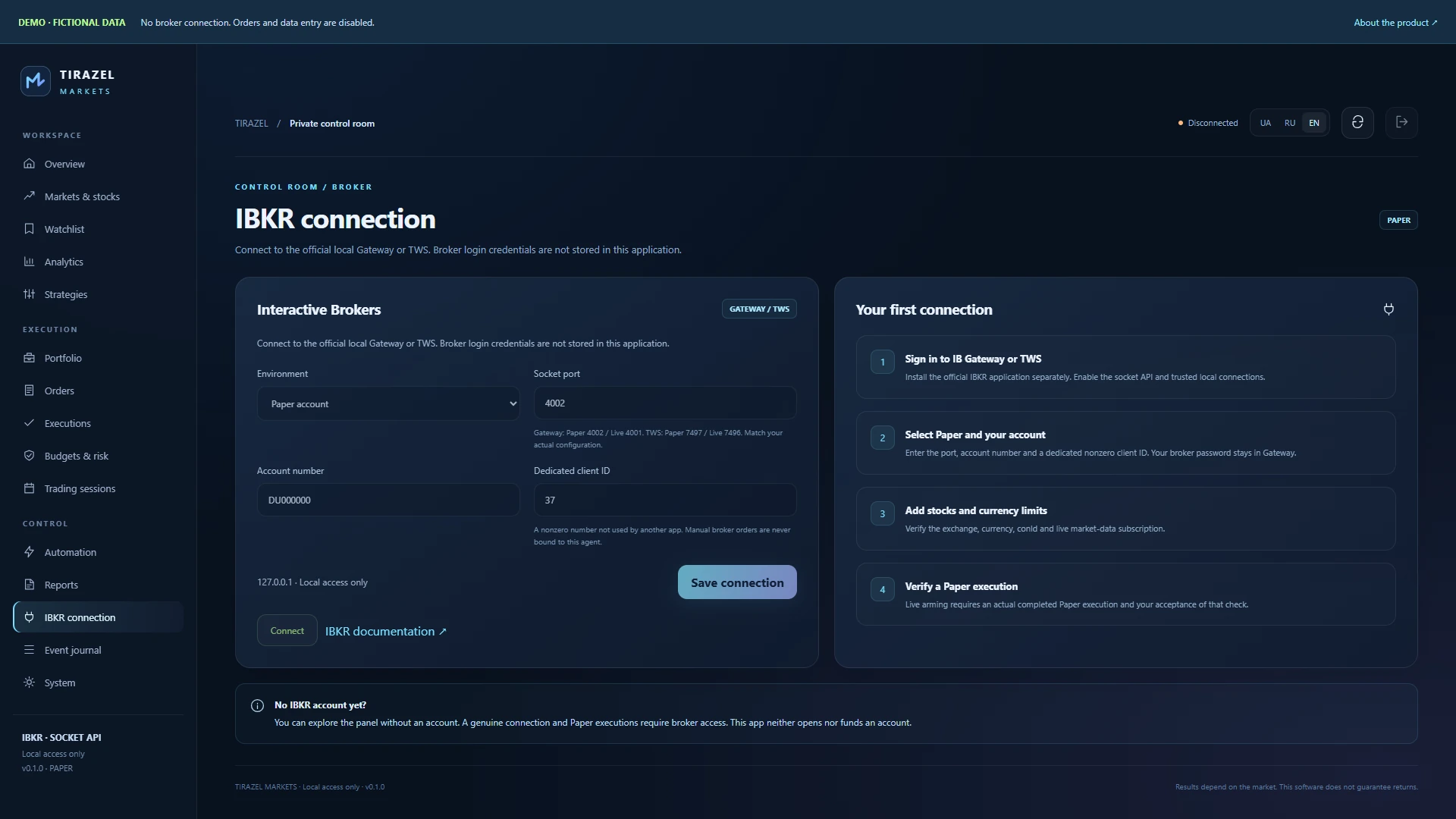
The actual 0.1.0 interface with fixed fictional NOVA-D and ALTO-D records. These demonstrate features, not a brokerage statement or investment results.
The current mode covers STK equities, whole-share lots, long positions and DAY LIMIT orders during regular sessions. Markets depend on your IBKR account permissions and data. This app does not execute options, futures, shorts, transfers or withdrawals.
IB Gateway / TWS ↗Independent SDK · BSD ↗The panel binds to localhost and uses your own scrypt password, HttpOnly sessions, CSRF and origin checks. Broker login credentials are not sent to the studio. The static web demo does not connect to a broker or accept orders.
Windows 10/11 x64 or Debian 12/13, Ubuntu 22.04/24.04 x64. Separately, you need official IB Gateway/TWS, your account, API permissions and suitable market data. Gateway requires periodic manual authentication. The service can run continuously; trading follows permitted sessions.
77 unit, HTTP and SDK checks on Windows and the same suite on Debian 13; 53 browser checks, 9 isolated UI-flow actions and 8 Windows-installer checks. Offline dependencies and installer syntax were verified on Debian. A separate Ubuntu installation and actual IBKR Paper execution have not yet been accepted.
Software checks and the demo do not establish profitability. The daily stop pauses new orders but cannot guarantee a loss amount and does not automatically cancel existing orders.
No. It uses fixed fictional records, never connects to a broker, and disables data entry and operations.
The installer includes Python and dependencies. Set your local panel password on first launch. Gateway or TWS is installed separately.
Sign in to your official Gateway/TWS, configure the port, DU account and client ID, then add stocks and limits. A genuine Paper execution and its commission are required for broker acceptance.
After accepting a genuine Paper execution, configuring a separate U account profile and giving explicit owner authorization. The app starts with trading disabled and pauses new actions after a restart or lost connection.
Execution uses transparent algorithmic rules. Observation places no orders; trend and rebalancing pass the same limit checks. A language model does not set trade amounts.
The software is priced at $100. The preview presentation and read-only demo are available now; discuss installation access and purchase terms with the studio.
The actual 0.1.0 interface with fixed fictional NOVA-D and ALTO-D records. These demonstrate features, not a brokerage statement or investment results.
← Back to all work